It scatters
Some on paper, some in a spreadsheet, some only in your head. That's fine until you need a student's whole year at once.
Anecdotal notes for teachers
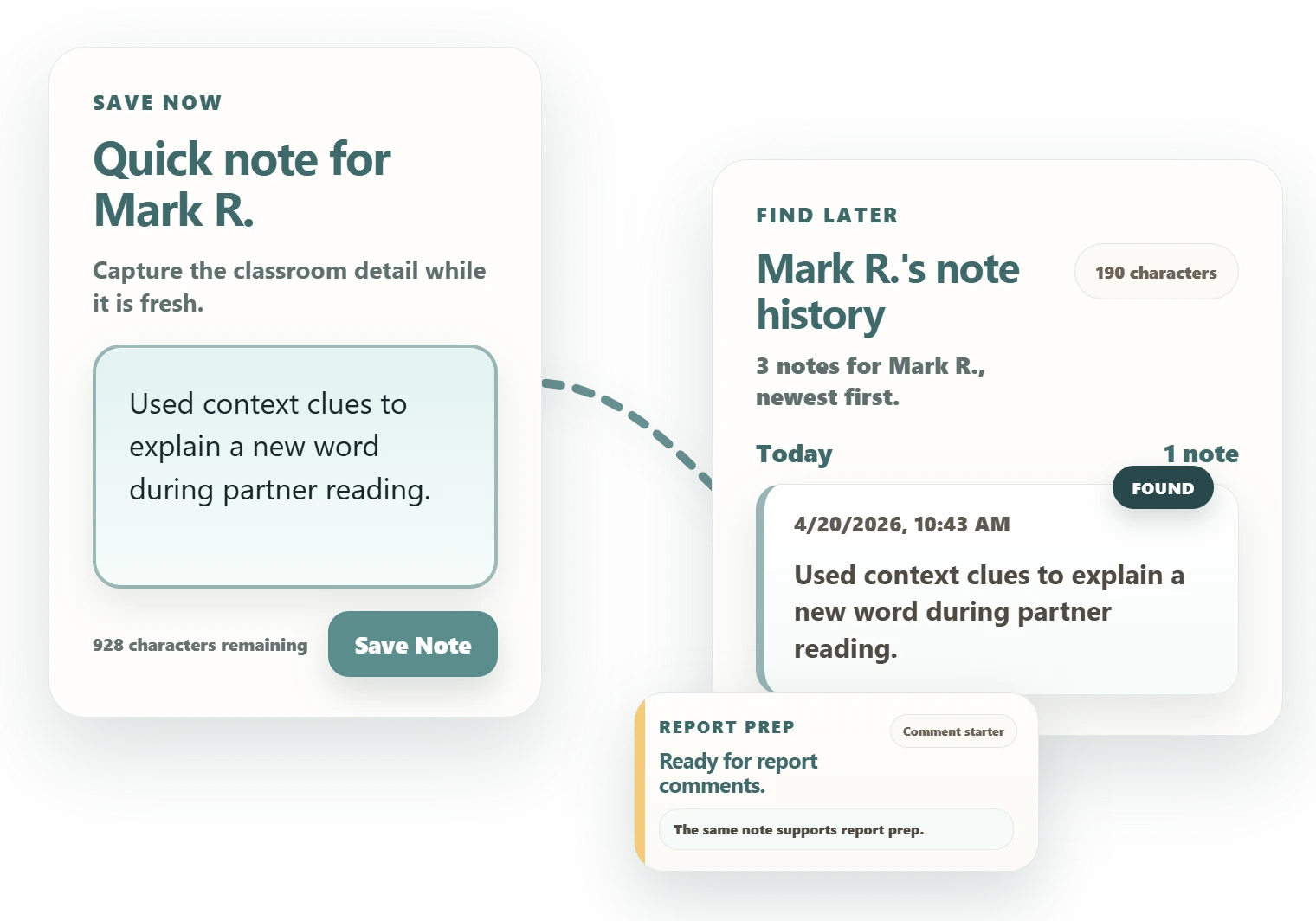
Anecdotal notes have always been hard to keep up with. Dodl Notes helps you save quick student observations with the right class and student, then find the evidence again for report cards, conferences, and support meetings.
The moment you'll want for a report card never happens at a convenient time.
Free to install. The core stays free, no credit card.
Built for the paper, spreadsheets, docs, sticky notes, and memory teachers already use.
Made by a teacher, not an edtech company.
Opens the Chrome Web Store in a new tab.
Why notes slip through
You notice something worth remembering most days. The notes are real. The system is the part that breaks.
Some on paper, some in a spreadsheet, some only in your head. That's fine until you need a student's whole year at once.
When a detail happens once in September and never gets written down, report cards and conferences get a lot harder.
Some students have clear examples ready. Others, just a feeling that something happened in October.
From the maker
I'd notice something worth remembering in the middle of a lesson, tell myself I'd write it down later, and then report card season would arrive and the detail was gone. Paper, sticky notes, a half-used spreadsheet: none of it survived a real week.
So I built the tool I wanted. Catch the moment in about ten seconds, keep it with the right student, and find it again when reports and conferences come. That is the whole idea, and I still use it in my own classroom every week.
A teacher since 2011, still in the classroom.
How it works
Three steps small enough to fit a normal teaching week, with nothing new to maintain.
Save a quick observation from Chrome while the detail is still fresh.
Pick the class and student as you save. The note drops straight into that student's history, with nothing to sort later.
Open a student's full history before report week or a family meeting, so you walk in prepared.
Turn saved notes into clearer report comments and next steps, with optional AI drafting in Pro.
What's inside
Each one came from a real moment in the day: a small group, a parent meeting, the scramble before reports go home.
A Chrome popup with a four-part prompt (Context, Observation, Support, Outcome), so a note you write in ten seconds still makes sense in November.
A gentle rotation that surfaces students you haven't noted in a while, so the quieter kids don't slip past. You stay in charge of who and when.
Save one observation to several students at once. Built for small-group work and the moments a whole table shares.
Can't write a full note right now? Capture the context, support, or response in a single tap.
Pause Spotlight for a student who's out or having a rough day. Kids get sick, and some days go sideways.
A full-page view of every student's history, organized by class and student, with search and threaded notes.
Before report week, the dashboard shows which students you have enough notes on, and which need a few more.
Build the comment structures you actually use. In Pro, Dodl Notes drafts from your saved notes against your own templates.
Your notes are encrypted on your device. A recovery key gets you back in if you forget your password, with no backdoor.
Try the whole thing with a sample class before you add a single real student.
Who it's for
Dodl Notes fits a few specific teacher roles. Each one has a guide that goes deeper.
Reading, writing, math, and learning behavior: the anecdotal notes of a busy classroom week.
See the anecdotal-notes guideBuild a note routine you can sustain without overdesigning the system in your first month.
See the first-year guideDocument placements, growth, and feedback during teacher-prep program rotations.
See the student-teaching guideIEP-relevant observation notes, supports tried, and follow-up that stay attached to the student.
See conference documentationTrack student progress across language goals, supports, and instructional moves.
See the observation-notes guideDocument teacher observations and follow-up across rotations and PD cycles.
See the documentation systemSave notes, organize by class and student, and review history without paying.
Pro adds optional AI insights and report drafting, with a 14-day free trial. Core note-taking never requires AI. See Pro pricing.
Note content is encrypted before it's stored or synced, and your privacy choices stay in your hands. How encryption works.
The core workflow uses a Dodl Notes account. Google is only needed for optional Google Docs export.
If a school-managed device blocks new extensions, that's a district device policy, not a Dodl Notes setting.
Dodl Notes supports your own teacher notes. It isn't a replacement for required school record systems.
Why teachers switch
Choose a starting point
Each guide goes deep on one workflow. Start with the part that's causing the most stress this term.
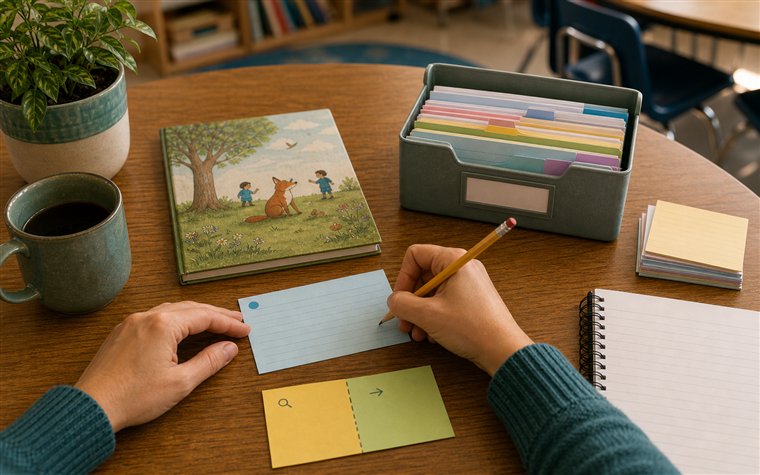
Write classroom observations that stay specific, objective, and useful later.
Read guide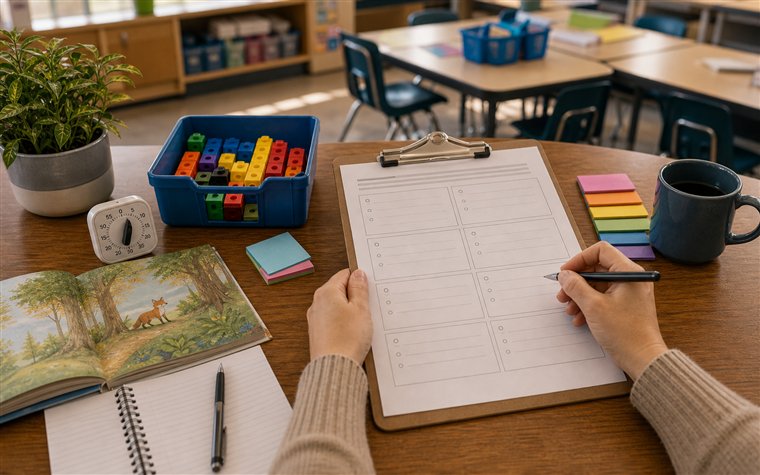
Capture student observations that can support reports, conferences, and next steps.
Read guide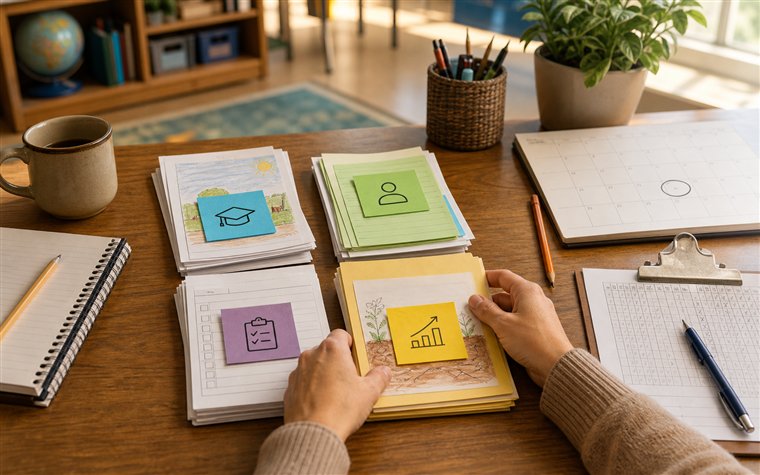
Choose what to track before report writing starts.
Read guide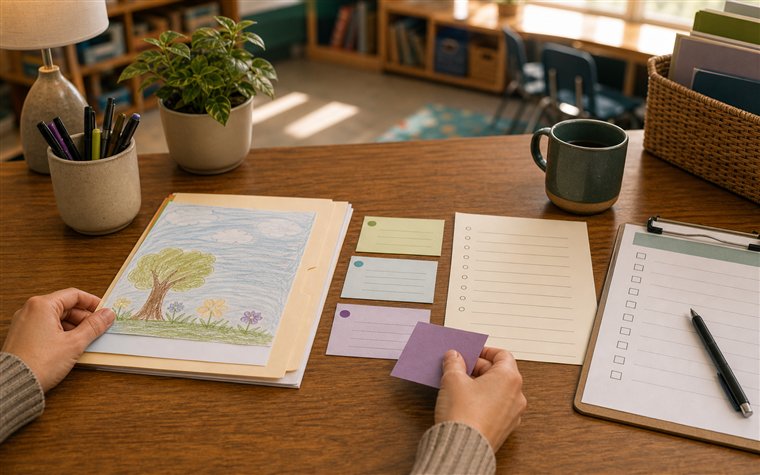
Prepare classroom examples and follow-up notes before family meetings.
Read guide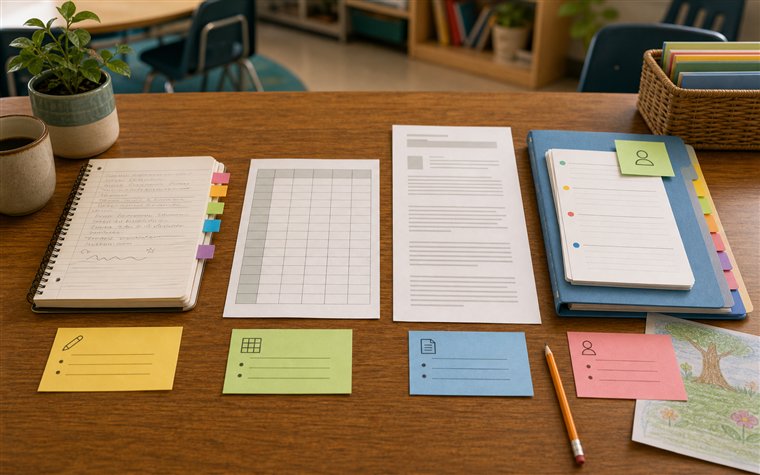
Compare retrieval, coverage, and student history across common note systems.
Read guide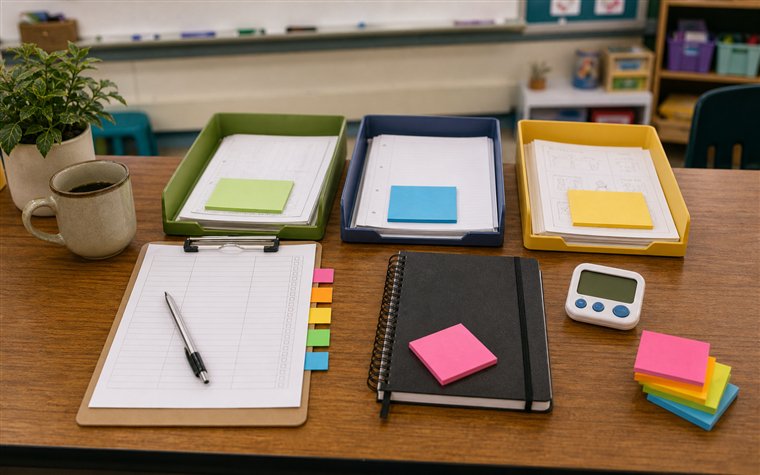
Build a sustainable note habit without trying to document everything.
Read guideTry it this week
Start with one class, one student, one useful note.
If that note still helps you a few days later, you'll know it's working.