
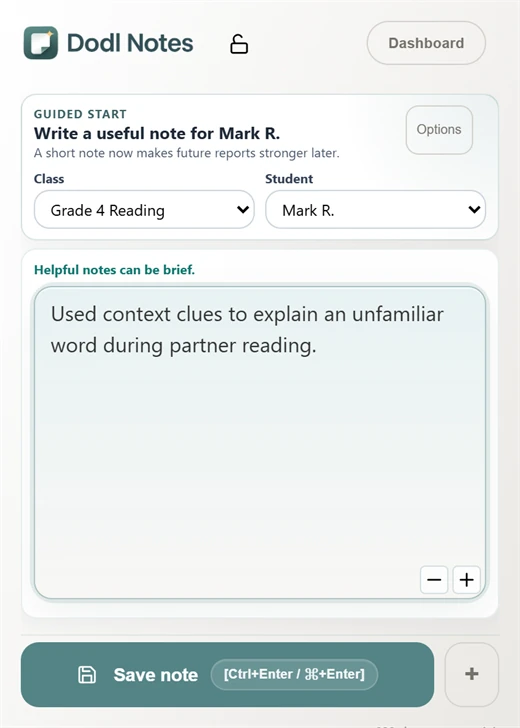
Save the moment
Capture a quick note from Chrome with the student, task, support, and why it may matter later.
Report-card efficiency
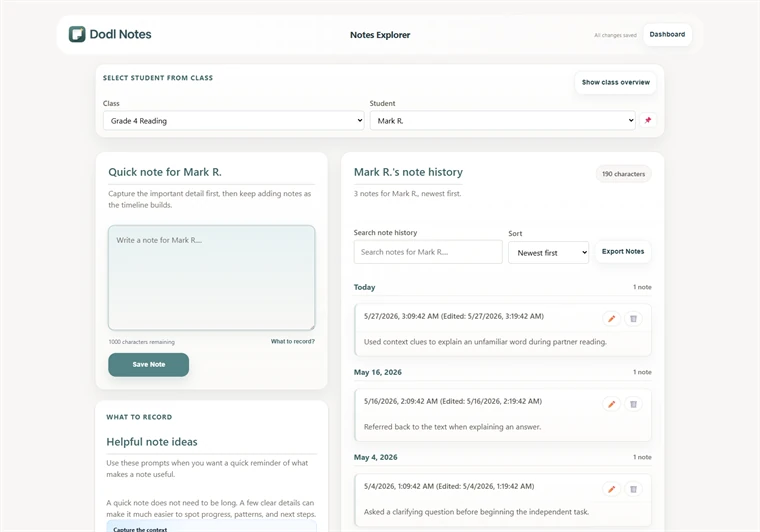
Dodl Notes gives teachers a simple system for saving classroom observations, organizing formative evidence by class and student, and reopening the right notes before report card comments are due.
Less memory work: save notes around learning goals, support, independence, growth, and next steps during the term, not during end-of-term burnout.
Free core note workflow • Optional Pro report drafting • Teacher review stays central
How it saves time
Automated report card comments work best when they start from teacher-captured evidence. Dodl Notes keeps the classroom moment, student history, and report workflow close together.
Capture a quick note from Chrome with the student, task, support, and why it may matter later.
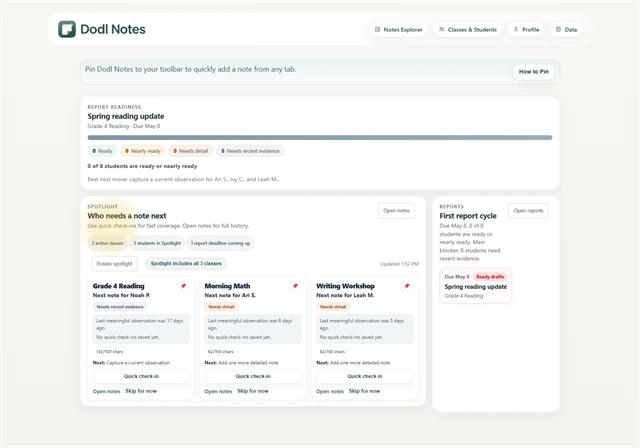
Open Notes Explorer and the dashboard to see which student records are thin before the deadline arrives.
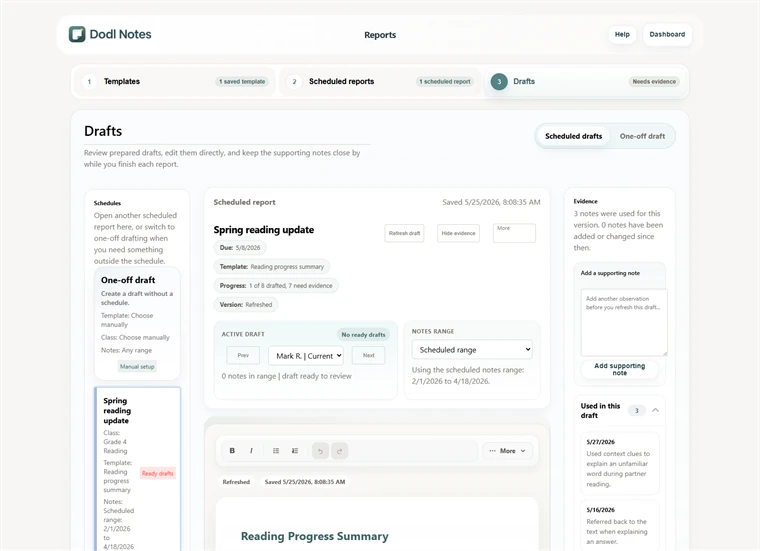
Use the report workflow as a starting point for report card comments, then review and revise before using the language.
Report Card Generator
Dodl Notes can support optional Pro report drafting from saved notes. The useful workflow is not a generic comment from nowhere. It is a draft grounded in student evidence that the teacher checks, edits, and owns.
Limits matter
For Ontario teachers using Growing Success language, Dodl Notes can help keep formative evidence close while you write. It does not replace required board, district, or school record systems.
Teachers decide what evidence matters, what wording is appropriate, and what local privacy rules apply.
Start before the scramble
Save one observation now, reopen it later, and check whether it gives you a stronger starting point for report card comments.