
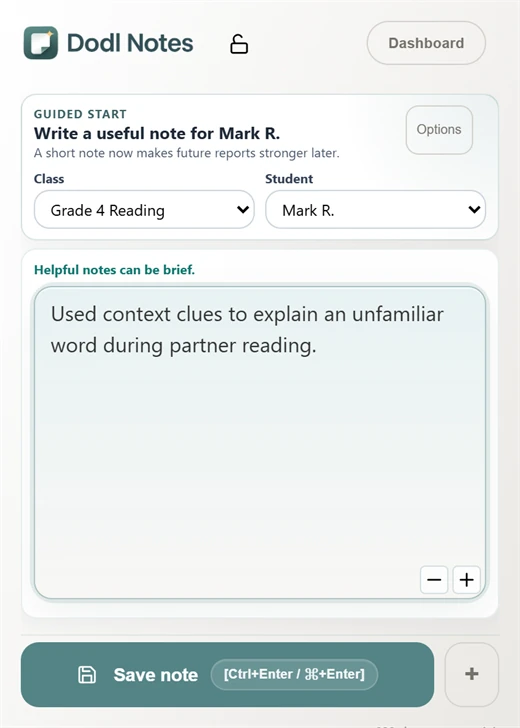
Save real classroom evidence
Use quick notes during instruction, conferences, small groups, independent work, and observations.
Formative assessment notes
Dodl Notes gives teachers a simple system for saving quality anecdotal notes from everyday classroom moments, organizing formative evidence by class and student, and reopening authentic assessment examples when writing evidence-based report card comments.
Teacher judgment stays central: use classroom evidence you already notice, including learning goals, success criteria, student action, support, and growth over time.
Desktop Chrome • AI optional • encrypted notes • teacher review first
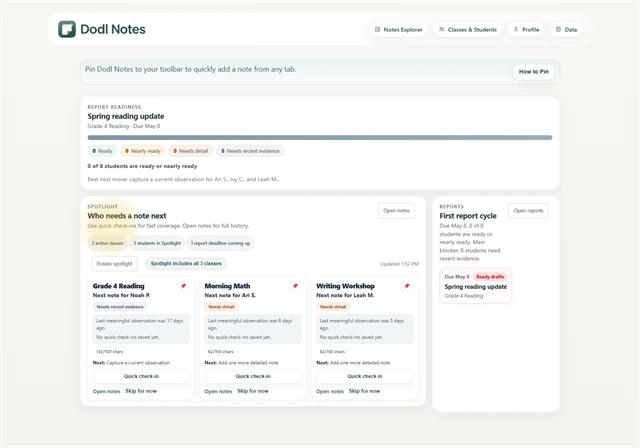
Authentic assessment
Quality anecdotal notes do not need to be long. They need enough context to support professional judgment later: task, learning goal, student action, support, and what changed.
Use quick notes during instruction, conferences, small groups, independent work, and observations.
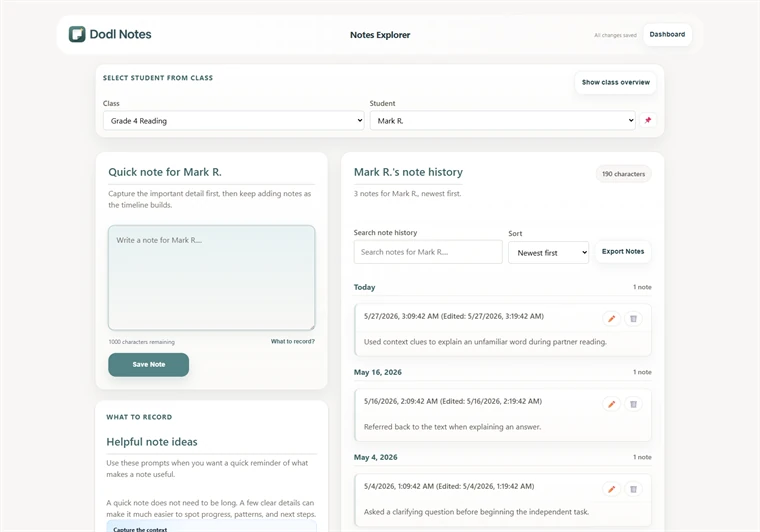
Reopen observation, conversation, and product evidence before describing student growth.
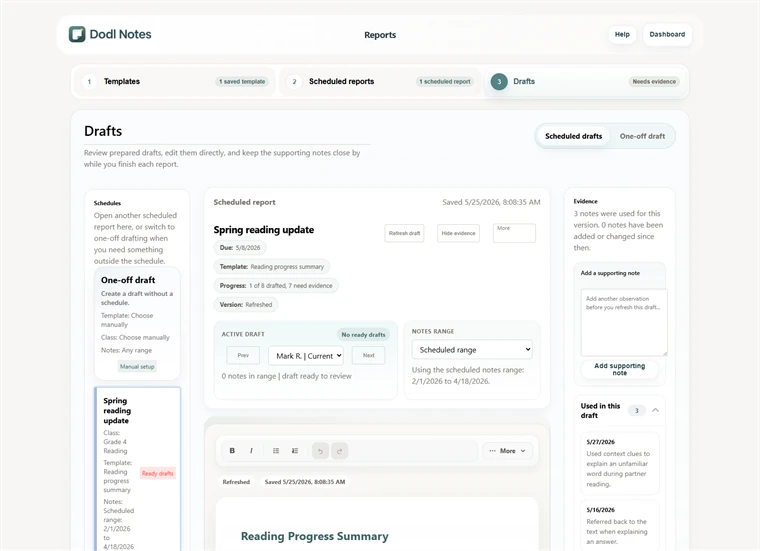
Look for a strength, next step, support pattern, and growth example before writing the final comment.
Student growth
For teachers using Growing Success language, Dodl Notes supports the habit of collecting varied formative evidence over time without turning every moment into a formal assessment record.
Professional judgment
Dodl Notes can organize notes and support optional report-drafting workflows, but the teacher decides what evidence matters. The final report card comment should reflect local expectations and the teacher's knowledge of the student.
Dodl Notes is not a gradebook or official assessment record system.
Start with one note
Choose one class, one student, and one current classroom moment. If the note still helps later, the assessment workflow is doing useful work.