
A practical staffroom find
One place for the notes your team wants later.
Save a quick student observation under the right class and student. Find it again when reports, conferences, or support meetings arrive.
Free core note system. Optional AI features. No credit card to start.
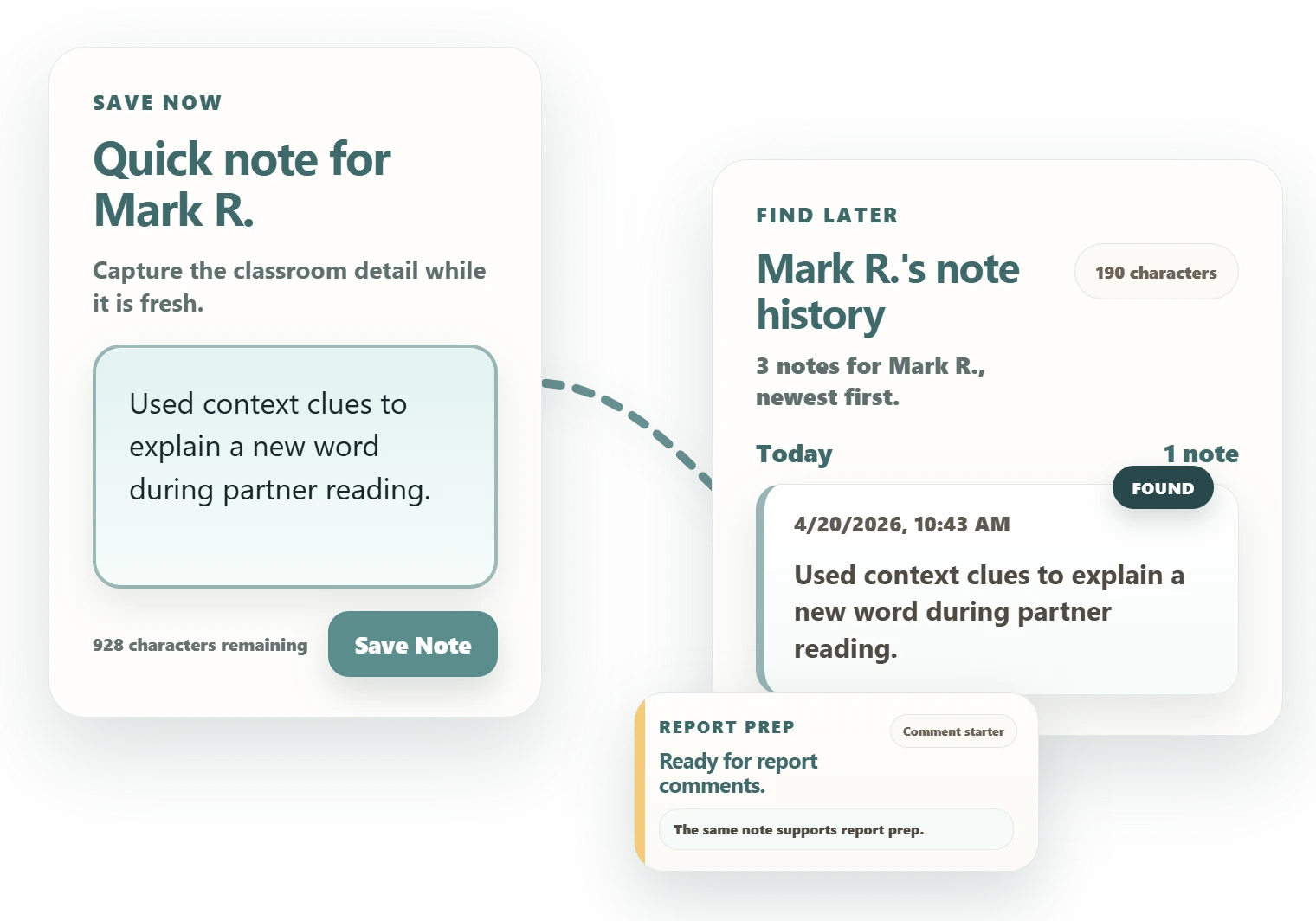
A ten-minute test
Start with one class, one student, one useful note.
You do not need to move your whole system. Test one real classroom moment and see whether the note is easy to find a few days later.
-
1
Install the extension
Add Dodl Notes from the Chrome Web Store and complete the guided setup.
-
2
Add one class and student
Use a real class or the sample classroom. Your team can evaluate the workflow without importing a roster.
-
3
Save and find one note
Capture one useful detail, then open Notes Explorer later and find that student's history.
Pass it along
Give colleagues a clear reason to look.
Copy a short note for one colleague or a fuller announcement for a staff space. You can edit the message after you paste it.
For a staff email or portal
A ready-to-paste staff announcement
Before your team tries it
Short answers for a sensible first review.
These are product facts, not a certification against your local rules. Schools should complete their own review.
Notes are encrypted
Note content is encrypted on the teacher's device before it is stored or synced.
AI is optional
The core note workflow does not require AI. Optional AI features can be turned off.
Students do not sign in
Dodl Notes is teacher-facing. The teacher decides what information to enter.
Local rules still apply
School-managed devices may require approval, and staff should follow local privacy requirements.
Try one real note
See whether the note is still useful next week.
That is the test: save the classroom detail now, then find it when you need it.